Device Code Example
This sample python code can be used freely in any device to bidirectionally communicate with the Csip.io platform.
Background#
The following example shows how you can connect a device to the platform using
provisioning mechanism or directly using device credentials.
Step by Step Instructions#
In order to use the provisioning mechanism, you need to do the following:
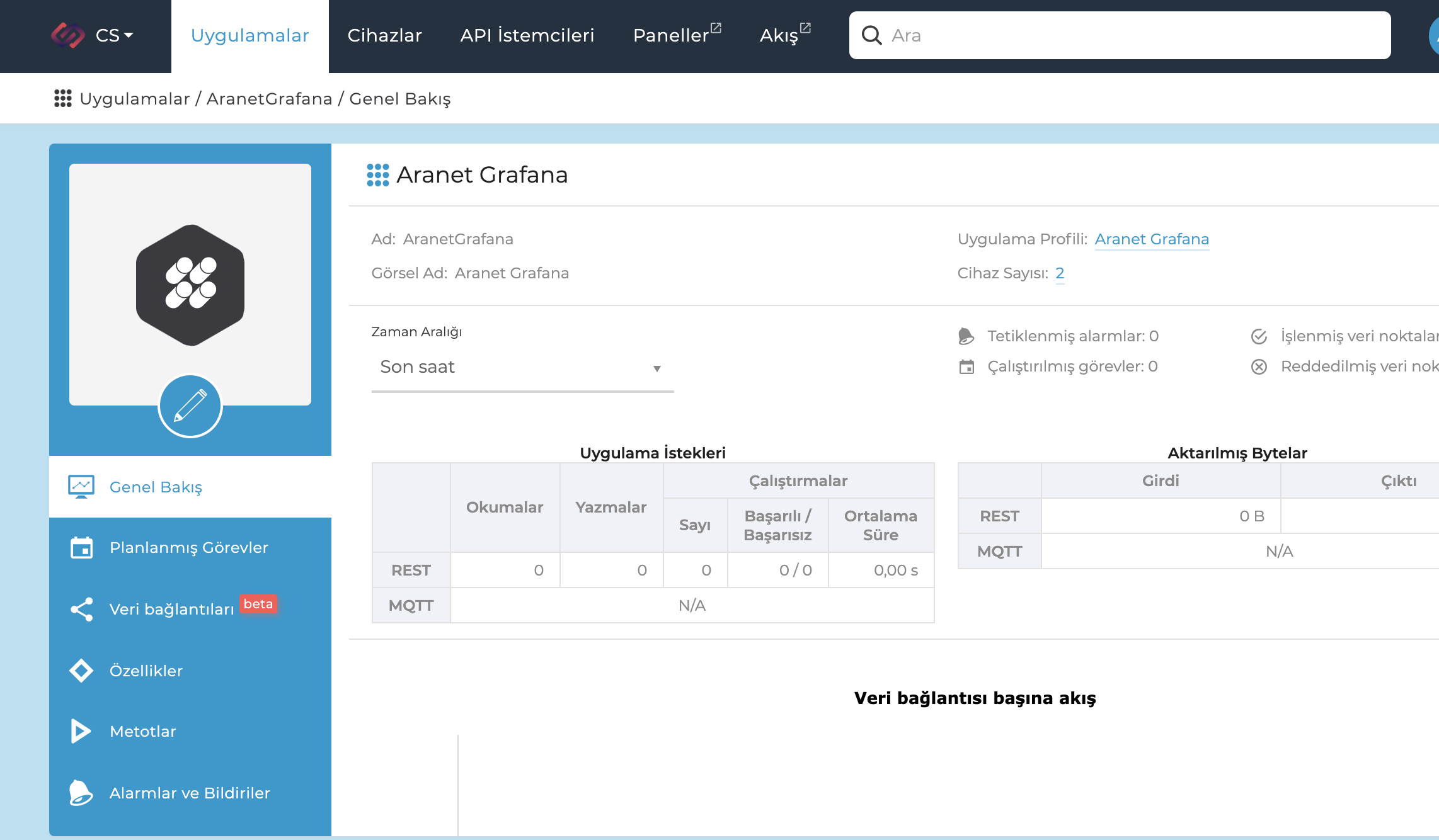
1. Create an App#
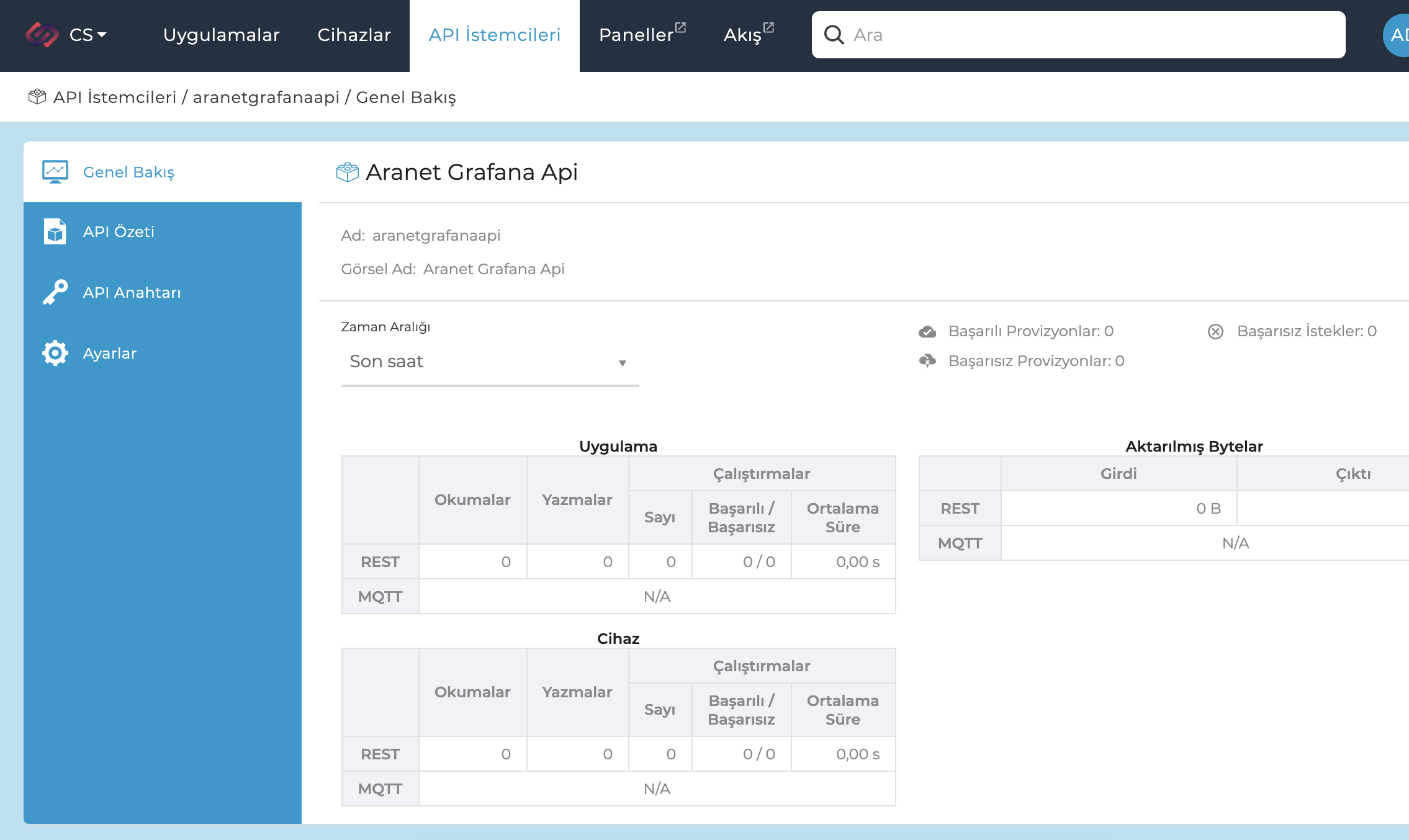
2. Create an API Client#
Create an API Client with App context, and device:read scope to access to the provisioning app
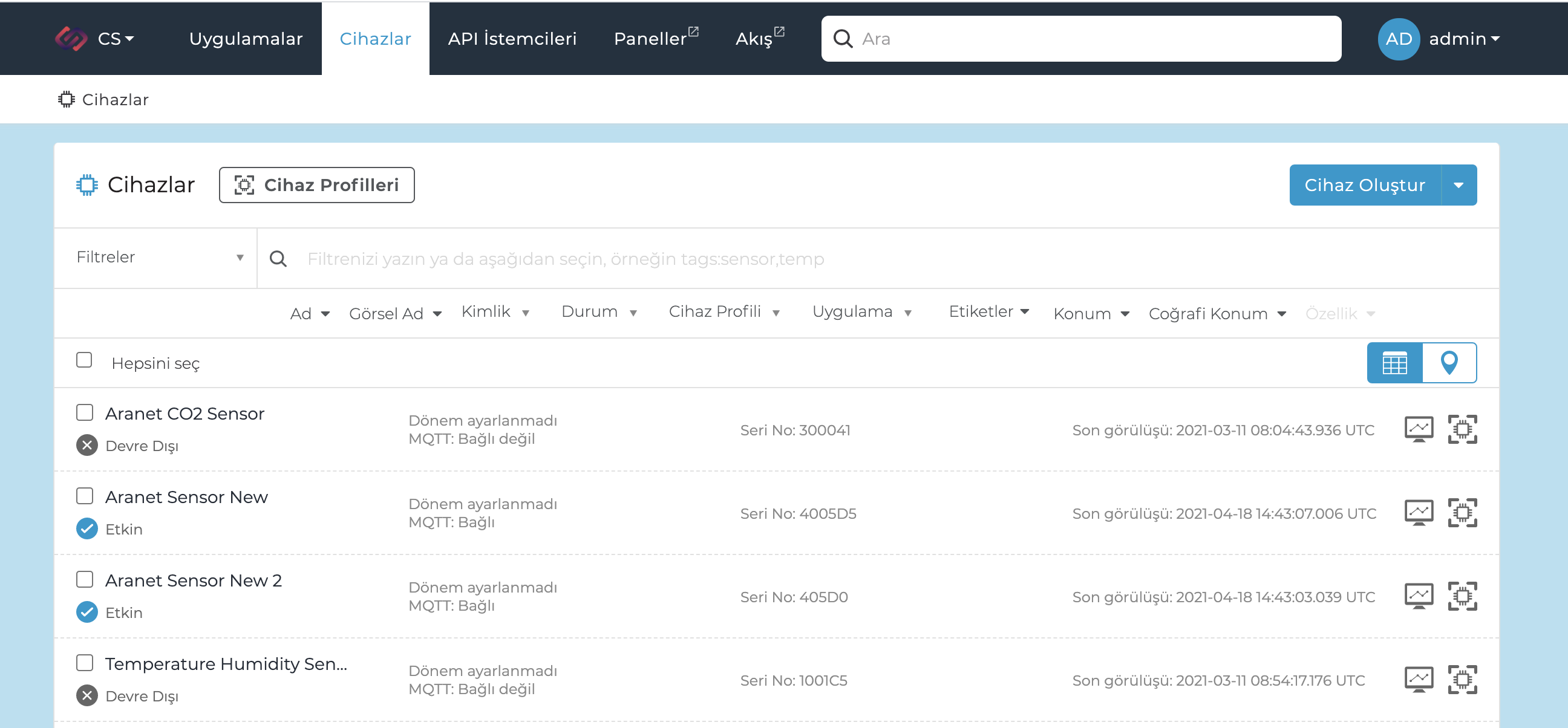
3. Create a custom identifier for your device#
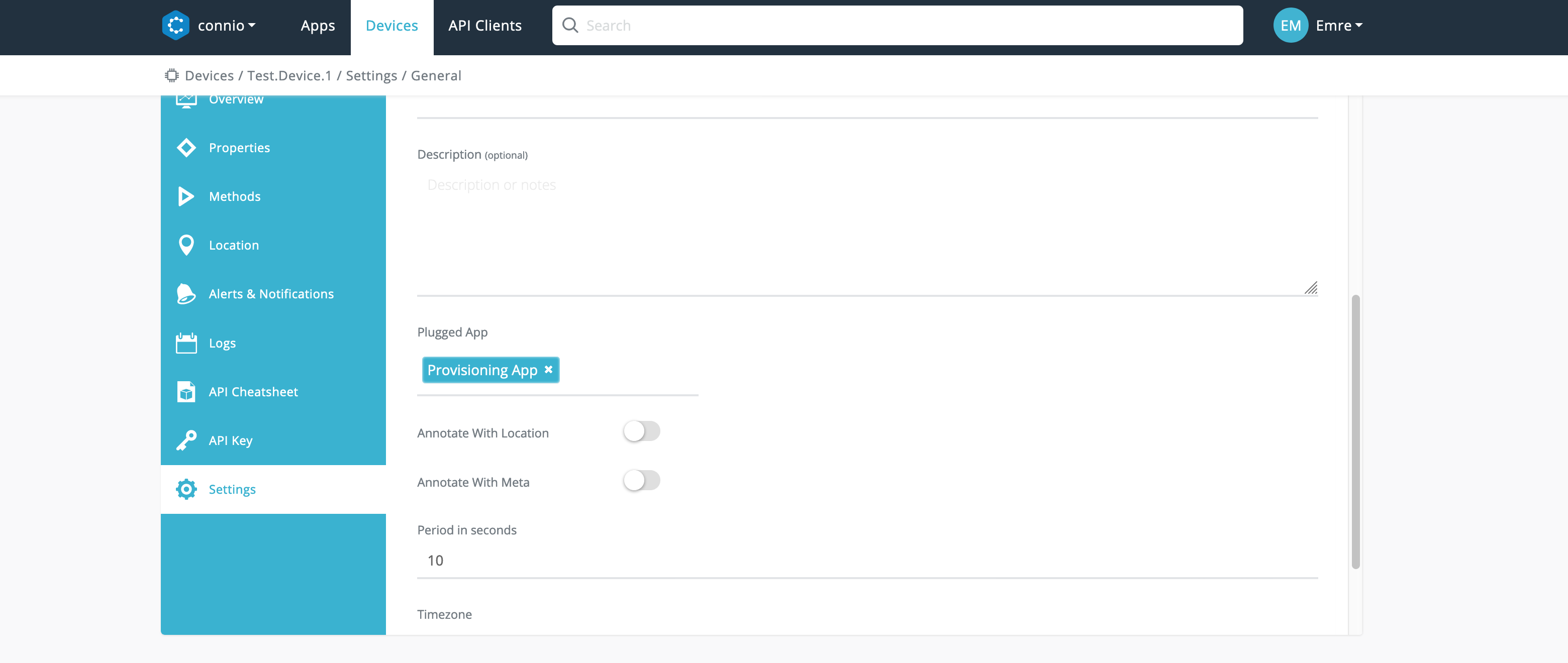
4. Link your device to your App#
Final step is to link your device to the app that will be used for provisioning purpose.
Access Credentials#
In order to use the code, you need to set the following environment variables with your accounts values:
Host#
❗️ SECURITY WARNING#
Always use port 8883 in production.
Option 1: Access using device credentials#
You can easily access this information on Csipio Portal.
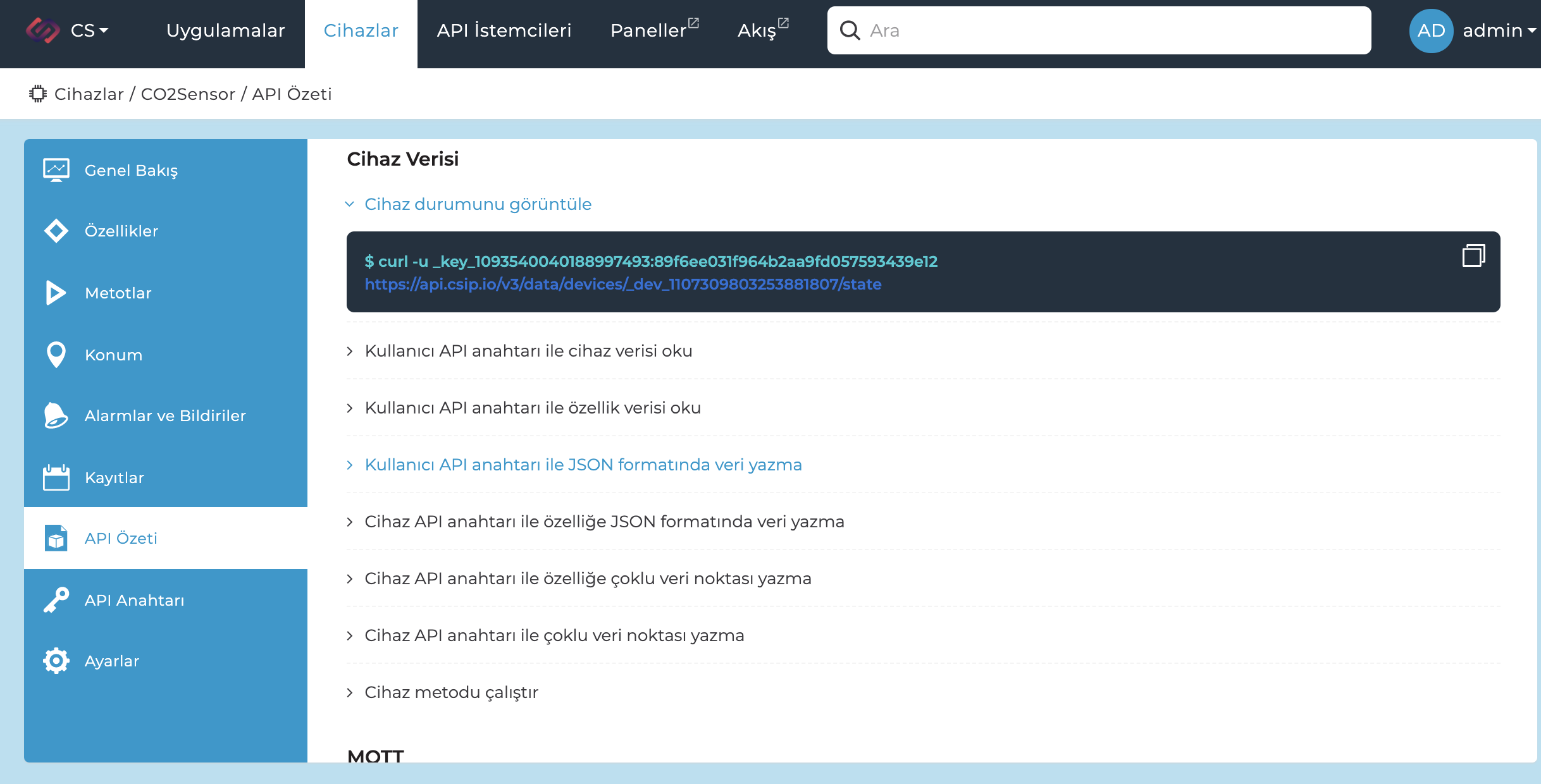
Option 2: Access using provisioning mechanism#
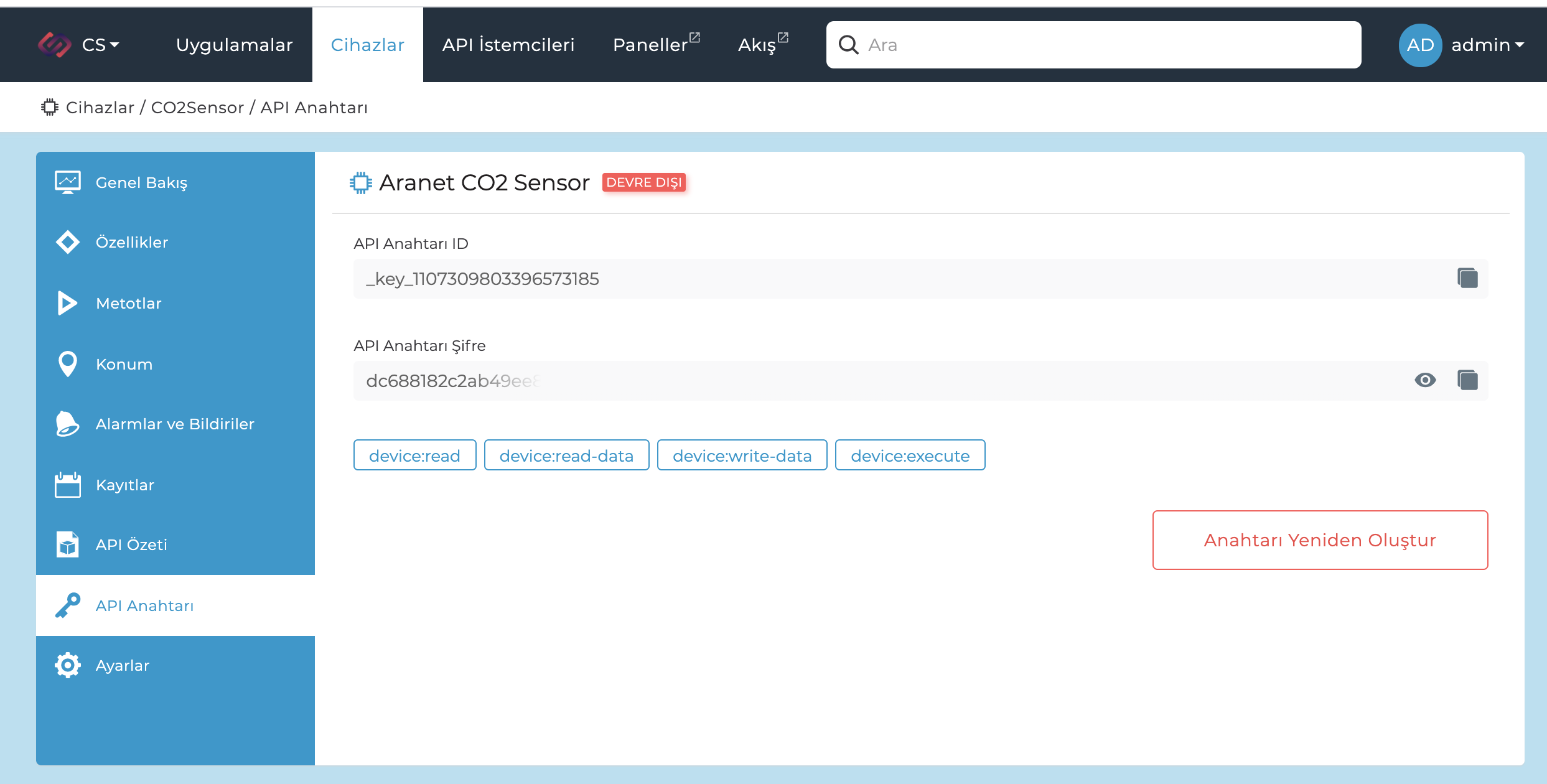
You can check provisioning key details at API Key Credentials page.